Start by listening to the room
Before changing equipment or settings, spend a minute listening where you plan to record. Notice steady sounds such as ventilation, a computer fan, or traffic, then listen for occasional interruptions such as footsteps, doors, or notifications. Record a few seconds of silence and play it back through headphones. A microphone may reveal sounds you barely noticed while standing in the room.
Choose a time and place where you can control the most distractions. Close a window if outdoor noise is prominent, silence devices, and move a noisy computer farther from the microphone if your cables and setup allow it. If you need airflow, you may prefer to leave a fan on and accept a consistent background sound rather than stop repeatedly whenever it runs. The aim is a recording you can use, not a perfectly silent home.
Soften reflections without rebuilding the room
Noise is not the only reason a home recording can sound unclear. Bare walls, floors, and desks reflect sound back toward the microphone. These reflections may make a voice seem hollow or distant even when the room is quiet. A space with curtains, rugs, upholstered furniture, or filled bookshelves often gives you more options than an empty room with hard surfaces.
Try simple changes before buying anything. Move away from a bare wall, put a rug beneath a hard-floored recording spot, or place a thick blanket over a nearby reflective surface. Keep fabric safely clear of lights, heaters, and equipment vents. You do not have to cover every wall: move one item, record the same short phrase, and compare the result. Also watch for echoes from a desk or tabletop immediately beside the microphone.
Place the microphone for a natural sound
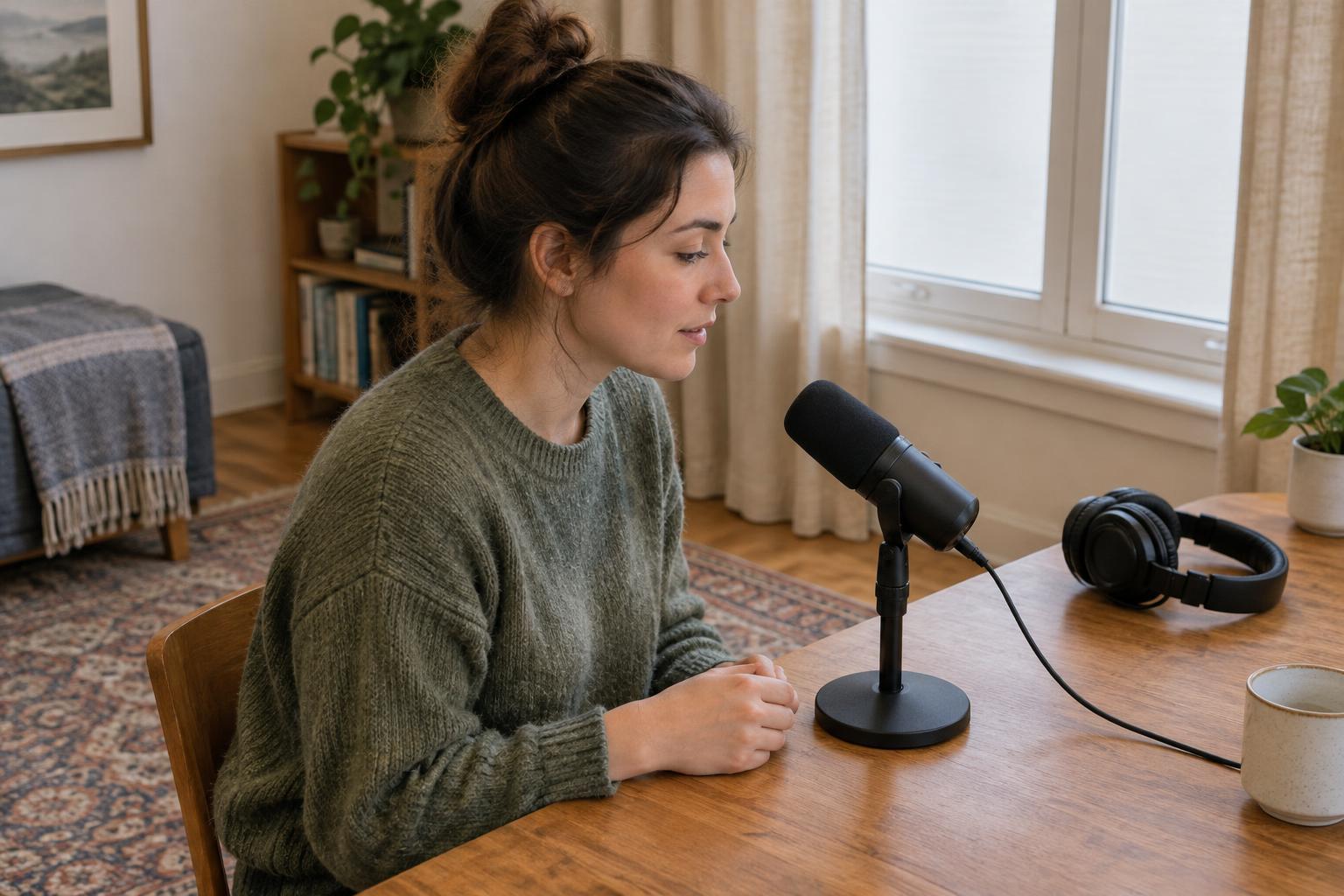
For spoken voice, start with the microphone roughly a hand’s length from your mouth, slightly to one side rather than directly in the path of your breath. Speak at your normal volume and keep your position steady. Moving closer can make the voice sound fuller on some microphones, but it can also emphasize breath, mouth sounds, and low frequencies. Moving farther away usually captures more of the room.
If you use a directional microphone, check which side or end is meant to face the sound source; designs vary. A pop filter can help with bursts of air from sounds such as “p” and “b,” but turning the microphone slightly off-axis is also worth trying. For an acoustic instrument, begin at a modest distance and aim toward the area that gives a balanced sound, not automatically at the loudest opening or surface. Small changes in angle and distance can matter more than large changes to software settings.
Set a clean level and make a short test
Once the microphone is in place, record the loudest passage you expect to perform. Adjust the input gain so it does not overload or produce harsh distortion. There is no need to make the recording as loud as possible while capturing it; you can raise a clean recording later. If you hear hiss, first check whether the source is too far from the microphone or the gain is unusually high before assuming you need new gear.
Listen back on headphones, paying attention to background noise, room sound, breath blasts, and changes in loudness when you move. Make one adjustment at a time, then record the same passage again. This gives you a useful comparison: if you move the microphone, you will know whether that move helped. Keep a quick note of the position you like so you can recreate it for another session.
Build a repeatable recording routine
A reliable setup is easier to use than a complicated one you must reinvent each time. Mark a comfortable chair or standing position, note where the microphone points, and check that cables will not be bumped during a take. Before recording, pause to listen, silence avoidable alerts, check your input level, and capture a brief test. Afterward, listen to that test before committing to a long session.
Not every unwanted sound calls for editing. A quieter location, a better microphone angle, or a more consistent distance may solve the problem at its source. Home recording improves through small comparisons: change one thing, listen, and keep what works for your room and the sound you want to make.