Start with one home for each document
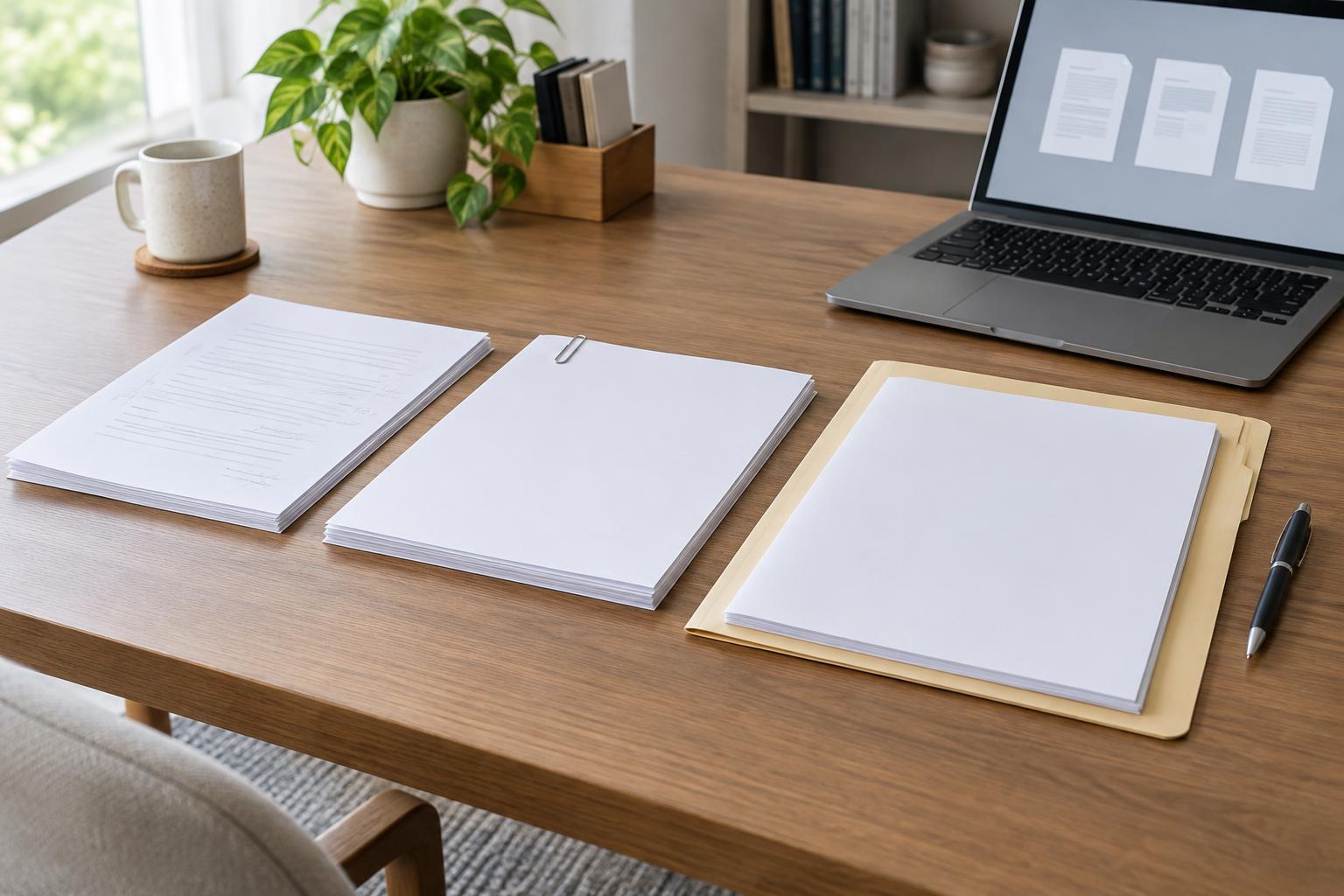
Version confusion often begins before anyone edits a file. A document is saved on a desktop, copied into an email attachment, and edited again in a shared folder. Each copy may look complete, but there is no obvious place to find the current one. Choose one main folder or shared workspace for the project and treat it as the home for working files. If you need to send a copy elsewhere, leave the main file in place.
Give each document a short, stable name that describes its purpose, such as ProjectBrief or WorkshopAgenda. Keep that name consistent across versions. A folder can hold supporting notes and older copies, but the current working version should be easy to spot without opening several files. For a small project, a clear folder and a consistent naming rule are usually more useful than an elaborate filing system nobody maintains.
Make version numbers and status mean different things
A version number answers “Which revision is this?” A status label answers “What can I do with it?” Keeping those questions separate makes file names more informative. One pattern is ProjectBrief_v03_draft, followed later by ProjectBrief_v03_approved if the content is accepted unchanged. If approval leads to another edit, create v04 rather than quietly replacing the approved file. That way, an older approval is not mistaken for approval of new wording.
Decide what your status labels mean before you use them. Draft might mean open to changes; review might mean ready for comments; approved might mean the named reviewer has accepted that version. Reserve final for a file that is ready for its intended use, not merely a file you hope is finished. Avoid labels such as final2 or final_really_final: they describe frustration rather than a reliable stage. Use a date in the name if it helps your team, but keep its format consistent.
Control what happens during review
When several people comment on a document, identify the version they are reviewing. A short message can say, “Please comment on v03 in the shared folder by the agreed deadline.” Where possible, collect comments in that file or one designated review copy. If people must send separate edited copies, ask them not to rename the underlying version number, and give one person responsibility for combining the feedback into the next version.
Before making substantial changes, save a new version. Small corrections made during an active drafting session may not need a new file every time, but a new review round or a change to agreed content usually does. Keep a brief note of major changes if the difference will matter to readers or reviewers: for example, “v04: updated scope and reordered steps.” This makes it easier to check whether feedback was addressed without comparing every line.
Create a deliberate final handoff
A document does not become final just because its name changes. Before marking it final, confirm that the required reviewer has responded, outstanding comments are resolved, and the file opens as expected. Check the title, page order, links, and any details that could have changed during editing. If the file will be distributed in a fixed format, export that copy from the approved working version rather than from an older attachment.
Place the release copy somewhere people can find it, and make its purpose clear: for example, a Final folder containing ProjectBrief_v04_final.pdf. Keep the editable source file as well, with a matching version number. If you later discover an error, do not silently swap the final file while others may be using it. Create a corrected version and tell the relevant people which copy replaces the earlier one.
Keep the system small enough to use
A versioning routine works only if it fits the work. For a document you edit alone, a main folder, numbered files, and a final copy may be enough. For a shared project, add an agreed owner for the working file and a clear review step. If your workspace already keeps reliable revision history, you may not need a separate file for every minor edit; you still need a way to identify the version submitted for review or released for use.
Try the routine on one recurring document. Agree on a name pattern, define the status labels, and decide who marks a file approved. After the next handoff, ask whether someone unfamiliar with the editing history could locate the right copy. If not, adjust the folder or names rather than adding more rules. The goal is not to preserve every keystroke. It is to make the current draft, the approved version, and any released file unmistakable.