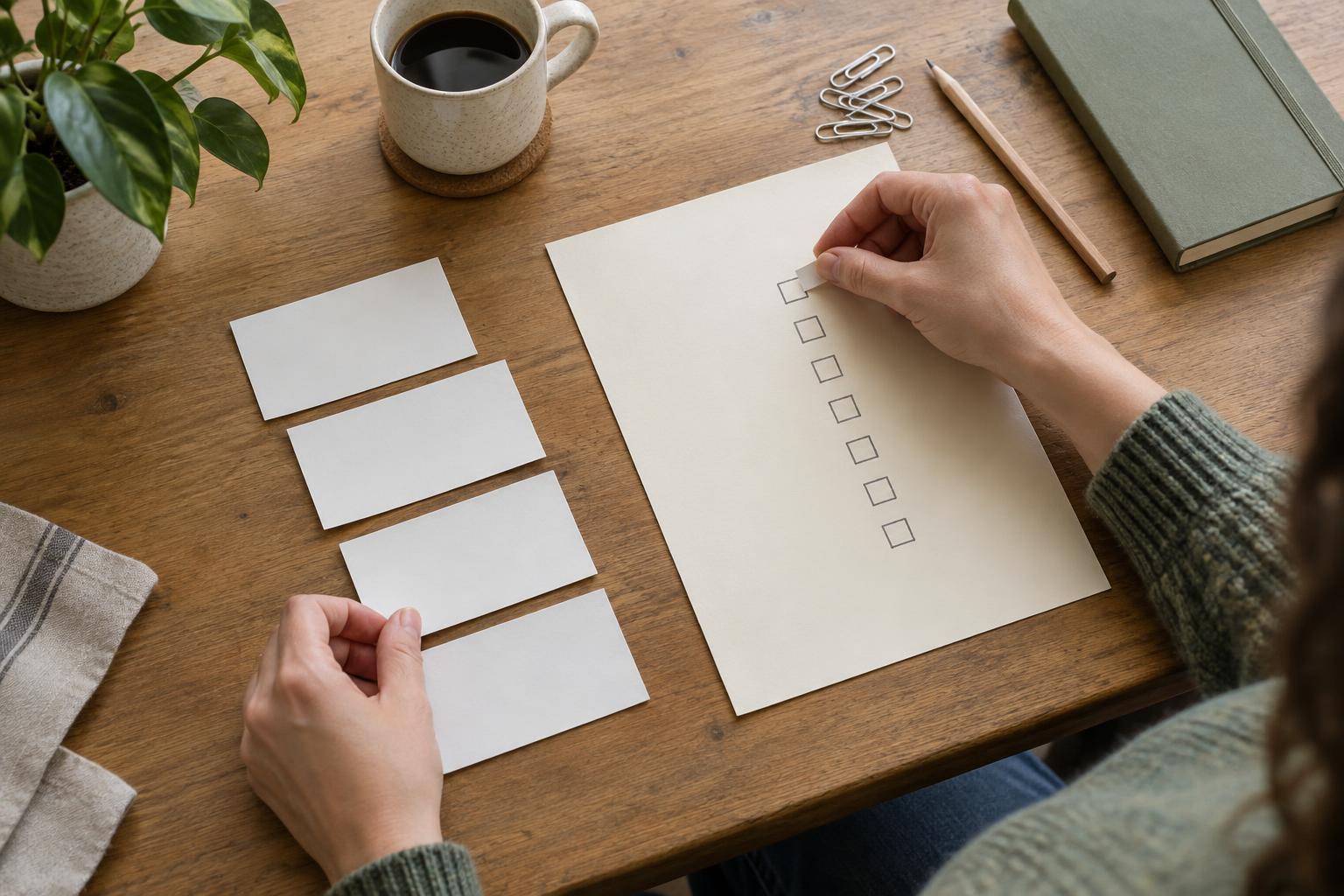
Treat the list as a decision tool
A task list does not need to capture every thought perfectly. Its job is to help you see what needs attention and choose a sensible next action. When entries are unclear, repeated, or buried among tasks you no longer intend to do, that choice becomes harder. You may spend more time interpreting the list than working from it.
Start by keeping tasks in one main place, whether that is a notebook, a document, or an app. You can still jot down ideas elsewhere, but move anything you intend to act on into that main list. Choose a system you can check easily; a simple list that you use is more helpful than an elaborate setup you avoid.
Turn vague entries into visible actions
Entries such as “website,” “budget,” or “talk to Sam” may remind you of a concern, but they do not say what to do. When you encounter one, ask: What would I physically write, read, send, make, or decide next? “Website” might become “Draft three questions for the homepage” or “Check the contact page for outdated details.” The wording should make sense to you when you return to it later, without requiring you to reconstruct your earlier thinking.
Not every item can be completed in one sitting. If an entry represents a larger outcome, keep the outcome as a project label and add a next action beneath it. For example, “Organize the workshop” is a project; “List possible workshop dates” is an action. You do not need to map every future step in advance. Clarify enough to begin, then add the next step once you know what it is.
Remove duplicates without losing context
Duplicates often appear because you record the same obligation at different moments or in different words. “Email the team about supplies” and “Confirm materials with colleagues” might be the same task, or they might describe separate conversations. Before deleting either entry, check what each one is meant to cover. If they refer to one action, combine the useful details into a single entry and remove the extra copy.
Repeating a task across several lists can create uncertainty about which version is current. Instead, keep one task as the record of the work. If you want to see it in a daily plan, you can copy a brief reminder there, but return to the main entry to update its status. During a quick cleanup, scan for similar names and shared deadlines. The aim is not a perfectly tidy list; it is confidence that completing one item will not leave you wondering about an apparent second obligation.
Give unfinished tasks a regular review
Tasks that never get reviewed tend to collect quietly. Some are still important, some depend on another person, and some no longer matter. A short review once or twice a week can help you tell the difference. Look at unfinished entries and ask whether each one has a clear next action, belongs to an active project, or needs a reminder for a later time. This is also a good moment to notice tasks you have completed but forgotten to mark done.
Give yourself permission to change the list. Rewrite an entry that is hard to understand, move a task that cannot be acted on yet, or delete something you have decided not to do. If you are waiting for a reply, say so in the entry and note what you are waiting for. A review is not a test of how much you accomplished. It is maintenance that keeps the list aligned with your actual commitments.
Keep the routine small enough to repeat
You do not need to overhaul your entire system at once. The next time you open your list, clarify three vague entries and check whether any are duplicates. Before planning your next work session, choose a few actions that fit the time and energy you expect to have. Leave other tasks on the main list rather than copying everything into a daily plan you cannot reasonably finish.
When the routine feels too demanding, simplify it. You might use one place to collect tasks, a few minutes to choose what to work on, and a recurring time to review what remains. Notice which entries repeatedly survive reviews without progress. They may need a smaller first step, a clearer decision, or removal. The point is not to keep an immaculate list. It is to make the next useful action easier to find.