Design for finding, not just filing
The point of organizing digital files is to make the right item easy to find when you need it. Before changing anything, think about how you look for your work. Do you remember the project, the client, the type of document or roughly when you made it? Let those clues guide your system. A folder structure that looks tidy but does not match the way you search will be hard to use.
Start by identifying the main kinds of work you handle, such as ongoing projects, recurring tasks and reference material. Then choose one dependable home for each kind. You do not need to sort every old file first. Try the structure with current work and adjust it when a real task exposes a problem.
Keep the folder structure shallow
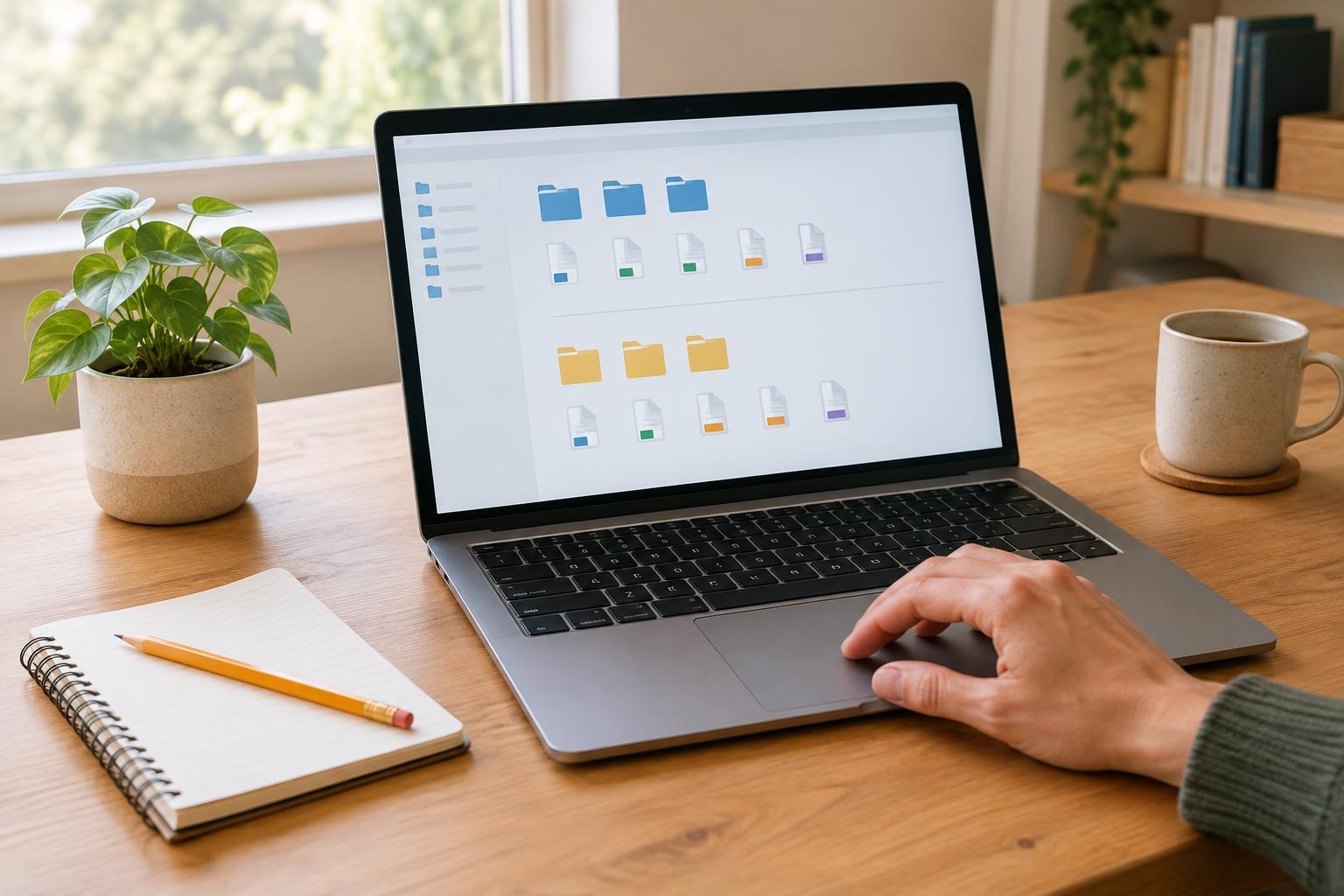
A practical starting point is a small set of top-level folders, such as Projects, Operations, Reference and Archive. Inside Projects, give each active project its own folder. Add subfolders only when they solve a repeated problem: a project with many files might need Drafts, Assets and Deliverables, while a small project may need no subfolders at all.
Avoid creating a new folder for every minor distinction. Deep paths make it harder to remember where a file belongs and easier to save related work in different places. If you repeatedly hesitate between two folders, clarify their purposes or combine them. A short rule can help: keep work in the project folder while it is active, and move completed project folders to Archive when they are no longer part of daily work.
Decide where incoming files go, too. A temporary Inbox folder can hold downloads and attachments until you have time to name and place them. Treat it as a holding area, not a second permanent filing system.
Use file names that answer basic questions
Good names tell you what a file is without requiring you to open it. Pick a pattern you can use consistently, such as Project - Document type - Description. A file named “Garden Workshop - Agenda - Planning Draft” is easier to recognize than “agenda-new.” If dates matter for a recurring document, use a consistent year-month-day order so names sort naturally, as in “2025-04-12 - Team Notes.”
Keep names specific but reasonably short. Use terms your team or future self will recognize, and settle on one spelling for recurring labels. Avoid relying on “final,” “final2” and “really-final” to show progress. When versions matter, use a simple version number such as v01 and v02, or a clear status such as Draft and Approved. For work edited by several people, agree on the pattern together so that one person’s tidy names do not become another person’s puzzle.
Separate working files from finished files
A common source of confusion is storing drafts, exports and approved copies side by side with similar names. Decide which file is the editable source and which is the version intended for sharing. For a larger project, separate Drafts from Deliverables; for a smaller one, distinguish them in the file names. This makes it less likely that you will send an outdated draft or edit a copy that was meant only for distribution.
When several files belong together, keep them in the same project folder rather than scattering them by format. A project may contain notes, images and a spreadsheet, but the shared purpose is usually a better organizing principle than the file extension. If your workplace already has a required shared-drive structure, use that structure as the starting point and apply consistent names within it.
Build a light maintenance routine
A system stays useful when it takes little effort to maintain. Set aside a few minutes at the end of a work session or week to clear your Inbox, rename unclear files and move completed work. Check for duplicates before deleting anything, especially if files are shared or used by another process. Keep whatever backup practices are appropriate for your work; folder organization is not a substitute for a backup.
For an existing collection, begin with the files you use most often. Move active projects into the new structure, then organize older material as you encounter it. There is no need to perfect every archive before you can benefit from clearer names today. After a few weeks, notice what you still struggle to find. Change the rule that causes the friction, and keep the rest simple.