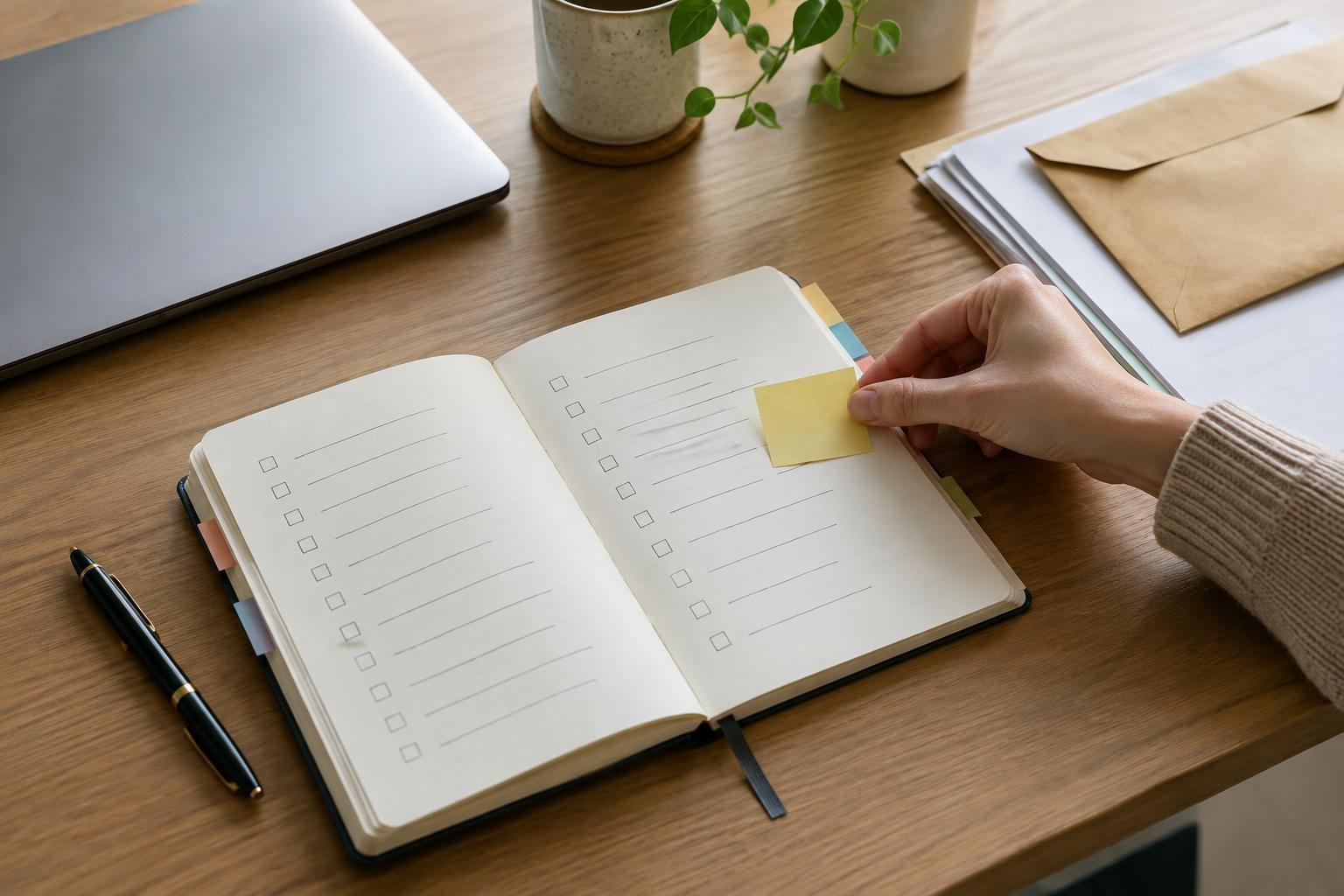
Give every assignment one place to land
Deadlines become harder to manage when they live in different places: an email thread, a message, a meeting note and a document you have not opened since Monday. The first step is not to find a perfect app. It is to choose one place where every active assignment will be recorded. A notebook, spreadsheet or basic task list can all work if you can open it easily and will keep it up to date.
Create one row or entry for each assignment. Record its name, who it is for, the final due date and where to find the original instructions. Add a status such as not started, in progress, waiting or submitted. If a deadline has not been confirmed, write “confirm due date” rather than guessing. The tracker should give you a dependable overview; it does not need to hold every detail of the work.
Make capture part of accepting an assignment. Before you close the message or leave the meeting, add the item to your tracker. If you cannot do that immediately, put it in a temporary inbox and empty that inbox at a set time each day. The goal is to prevent an assignment from depending on your memory.
Separate the due date from the work needed to meet it
A final deadline tells you when the finished assignment is expected, but not when you need to begin. For each item, identify the next visible action: outline the report, request a file, draft the first page or review the instructions. Use a verb that makes it clear what you can do when you sit down to work. “Finish project” is a destination, not a useful next step.
For larger assignments, add one or two checkpoints before the final date. A presentation might need a rough outline, a complete draft and a rehearsal. Choose checkpoints based on the work involved and any time other people need to respond. If you need feedback, send a draft early enough that receiving and using comments is possible. Treat these checkpoints as planning aids, not as promises that every stage will go exactly as expected.
It can help to record a planned start date alongside the due date. Leave some room for revisions, interruptions or tasks that take longer than expected. If the deadline is very close, do not spend time constructing an elaborate schedule. Identify the essential deliverable, confirm any unclear requirements and start the next useful action.
Use a short weekly review to spot conflicts
Once a week, look across all active assignments rather than reviewing them one at a time. Check what is due soon, what has not moved forward and where two or more demanding tasks compete for the same work sessions. A list sorted by due date helps, but dates alone do not show effort. A small task due tomorrow and a complex assignment due next week may both need attention today.
Decide which assignments need a work session in the coming week, then put those sessions on your calendar or daily plan. Keep the plan realistic: leave space for routine responsibilities and unexpected requests. If several deadlines cannot reasonably be met with the time available, raise the conflict early with the people involved. Explain what is on your plate, ask which outcome matters most and agree on any revised scope or timing rather than silently hoping everything will fit.
End the review by updating statuses and removing items that are complete. A tracker crowded with finished or abandoned work makes active commitments harder to see. You can archive old entries if you may need to refer to them later.
Keep the daily check brief
At the start of a work period, scan the tracker for deadlines and checkpoints that are approaching. Pick a small number of next actions that fit the time you have. During the day, mark completed actions, add new assignments and note when you are waiting for someone else. A daily check should help you choose what to do, not become a second assignment.
When a deadline changes, update the tracker as soon as you know and adjust any related checkpoints. When you submit work, mark it submitted rather than deleting it immediately; you may still need to confirm receipt or make a requested change. If you find yourself repeatedly missing entries, simplify the system. Fewer fields filled in consistently are more useful than a detailed tracker you avoid opening.